Follow a story that lags
- Product Owners
- The team
“Why is this story still not done?”
1. Find it
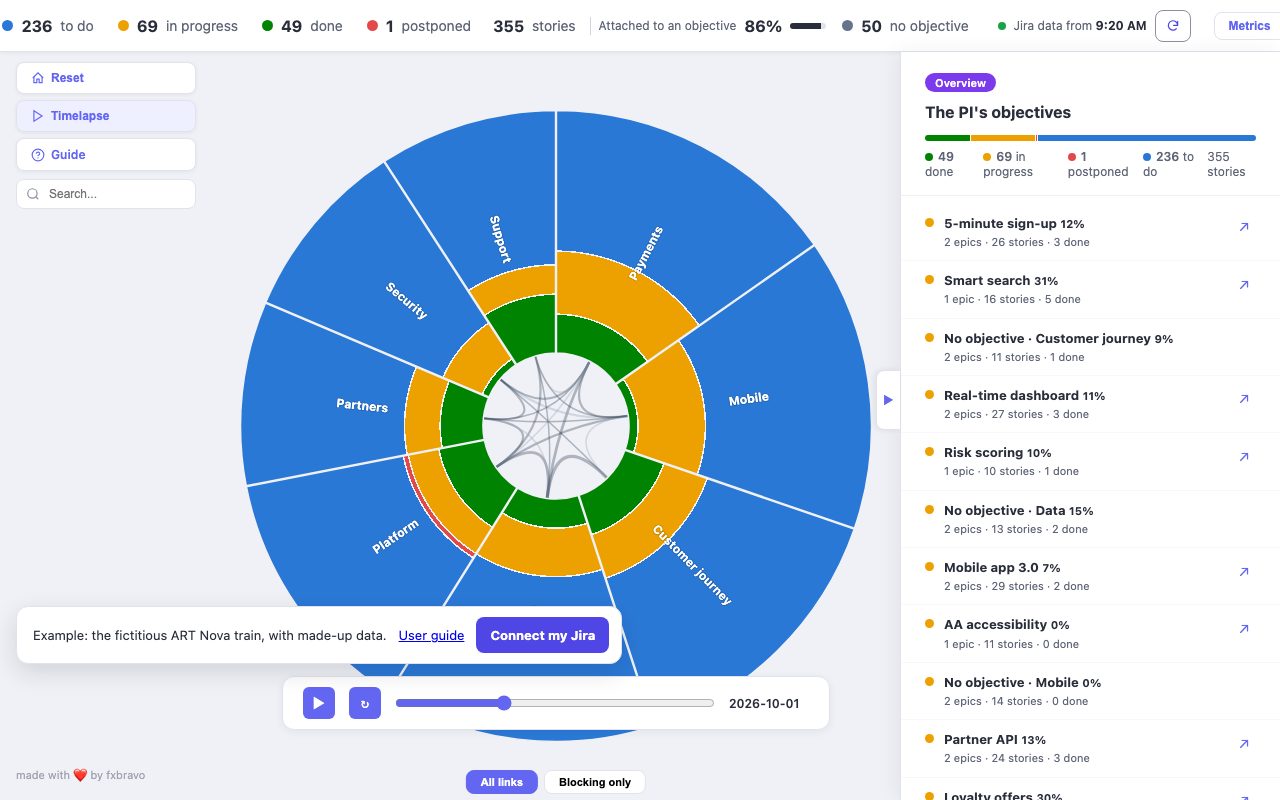
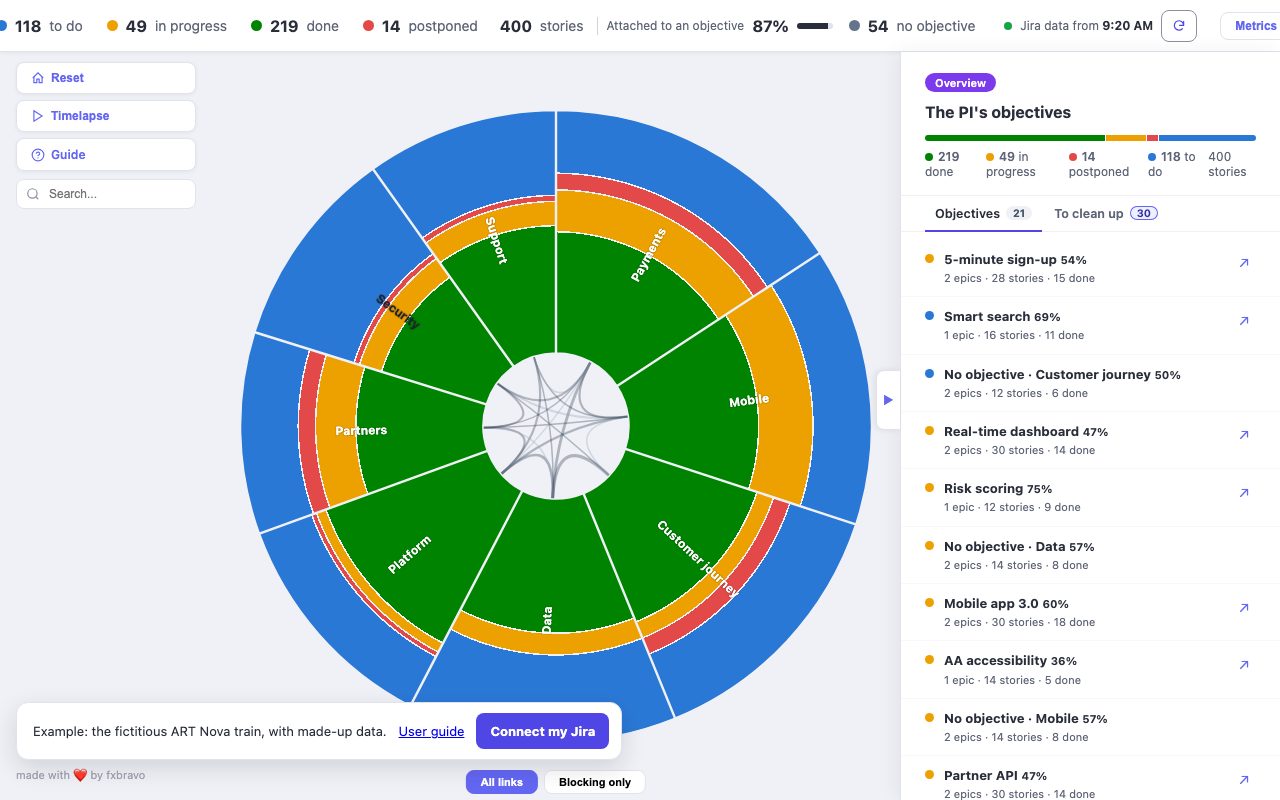
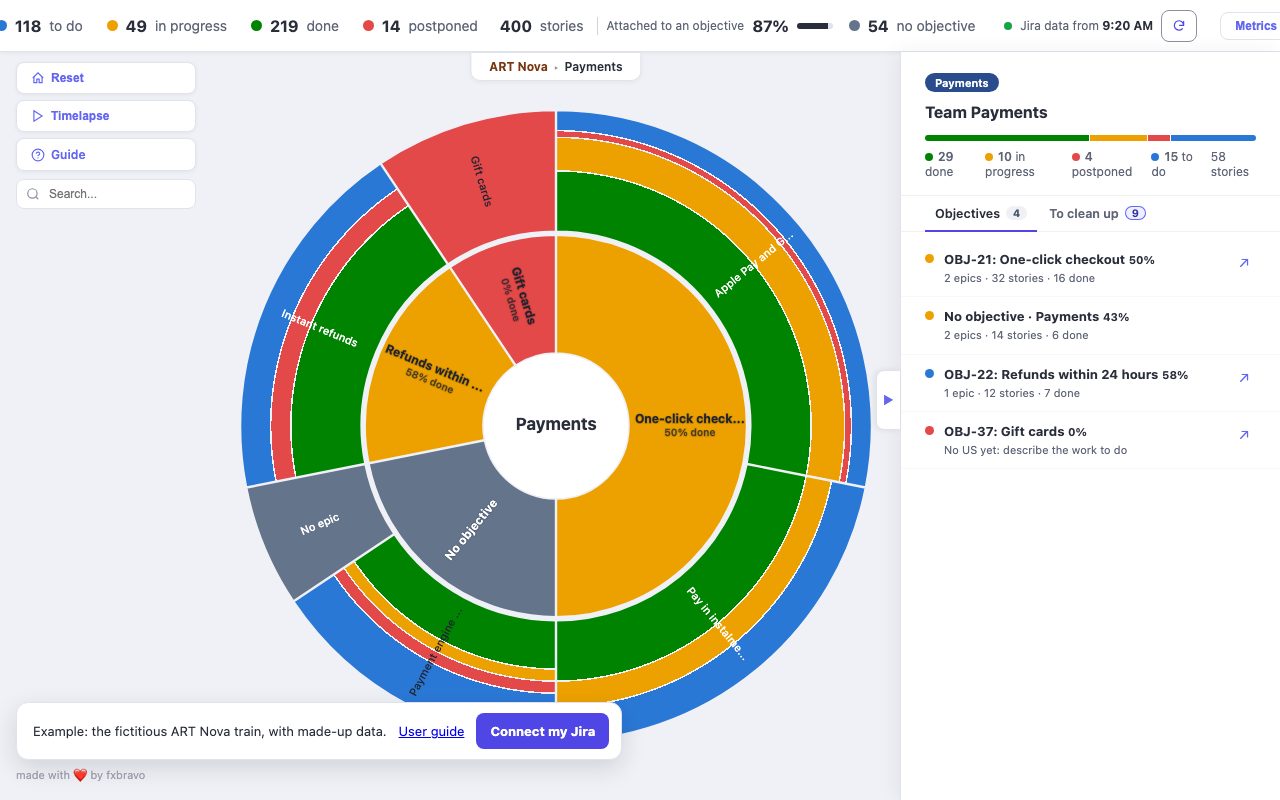
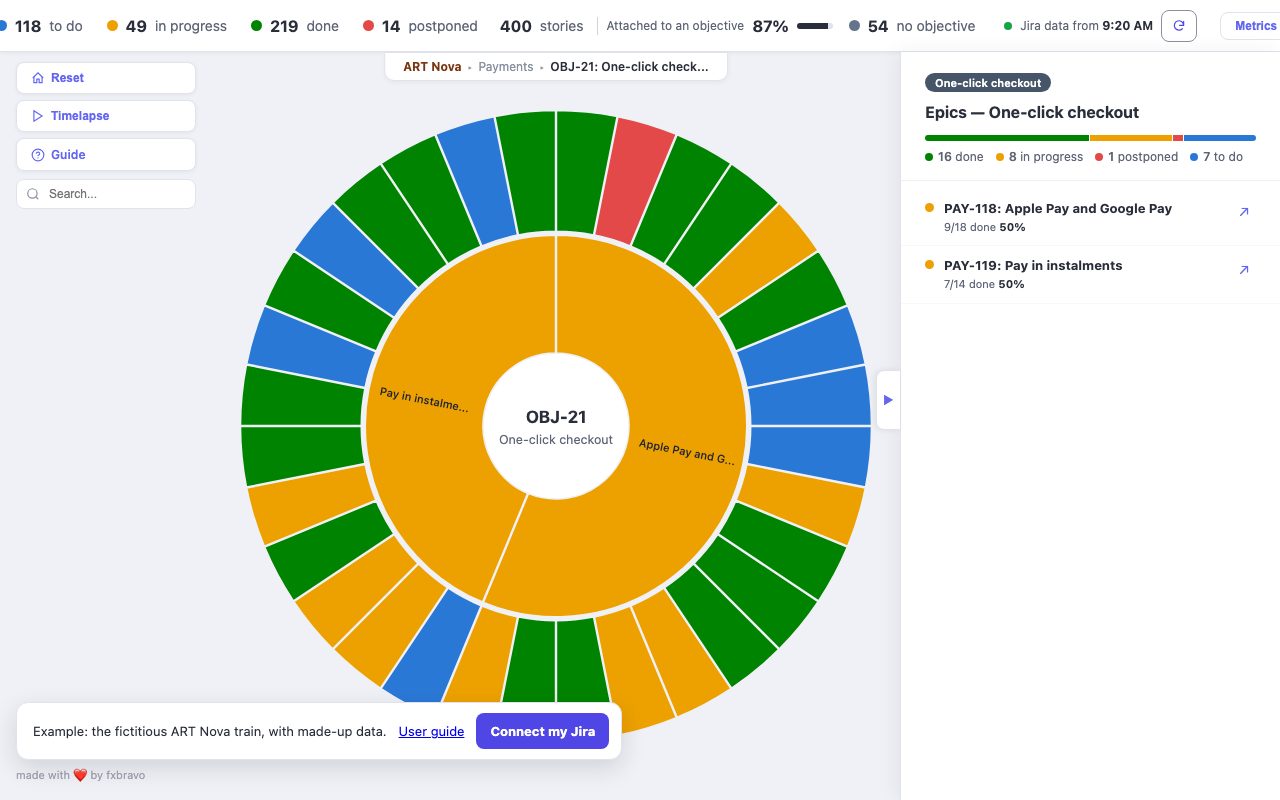
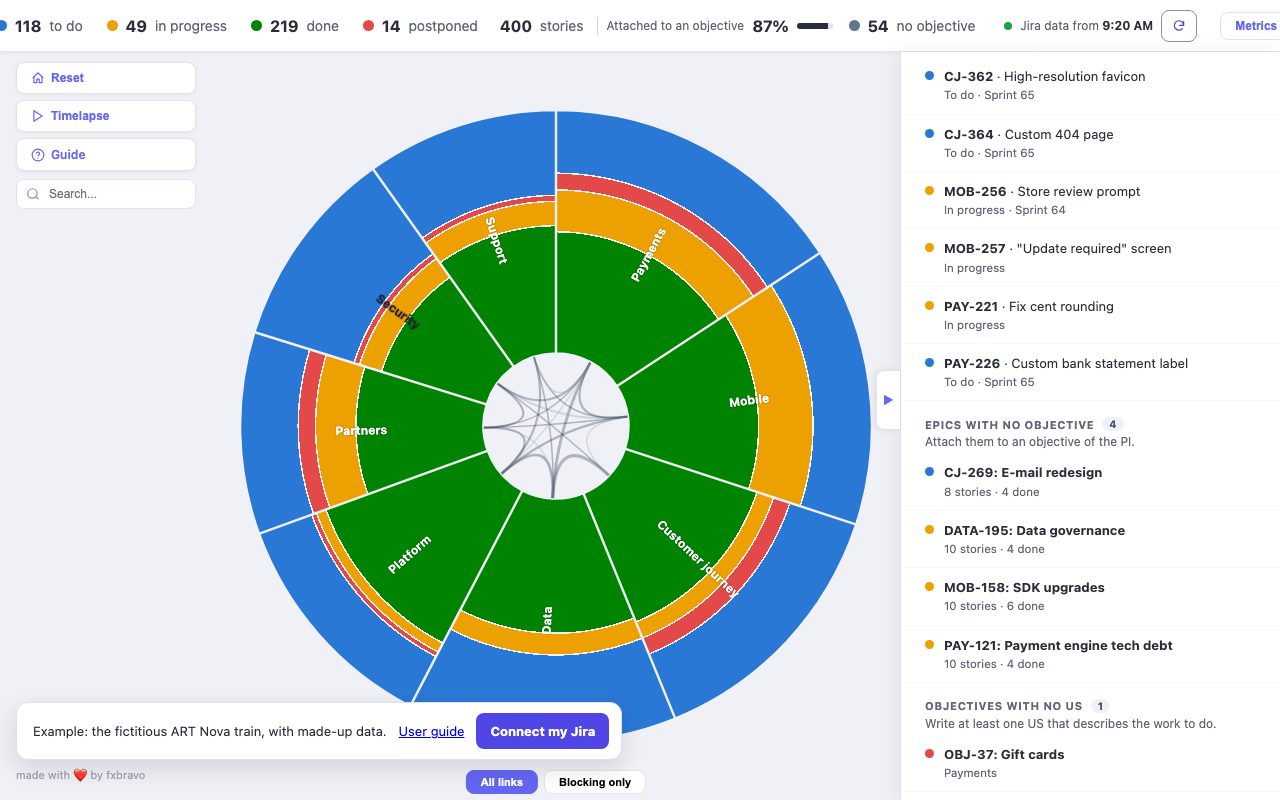
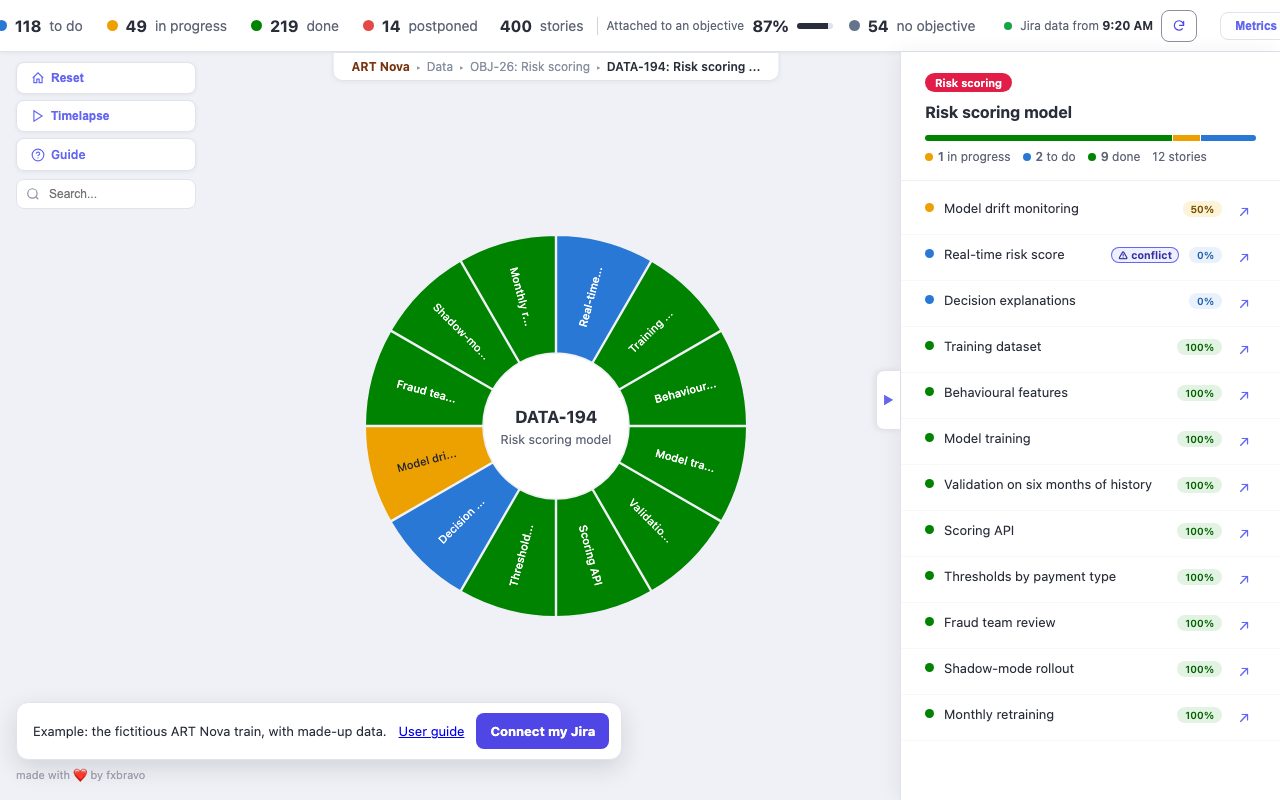
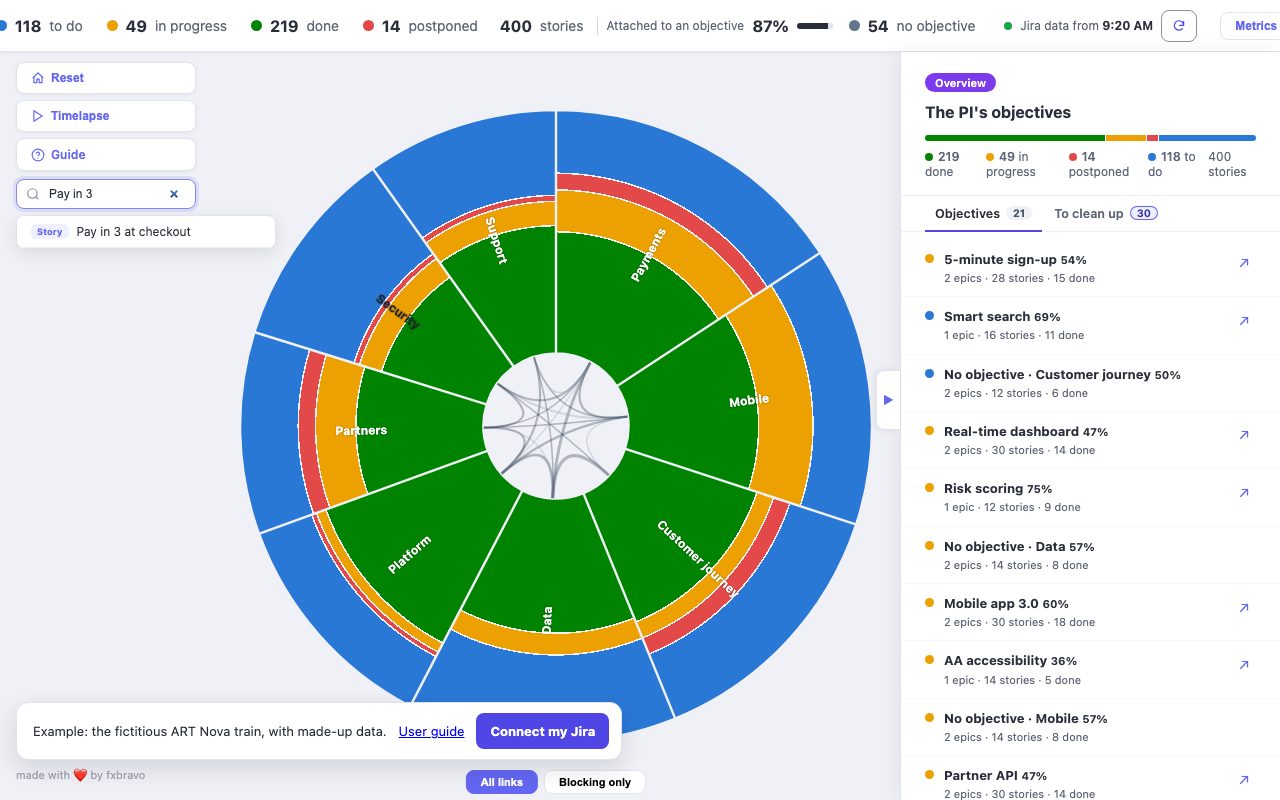
The search, on the left, finds a story, an epic or an objective by its title. A click on the result opens its epic and selects the story.
See it in the example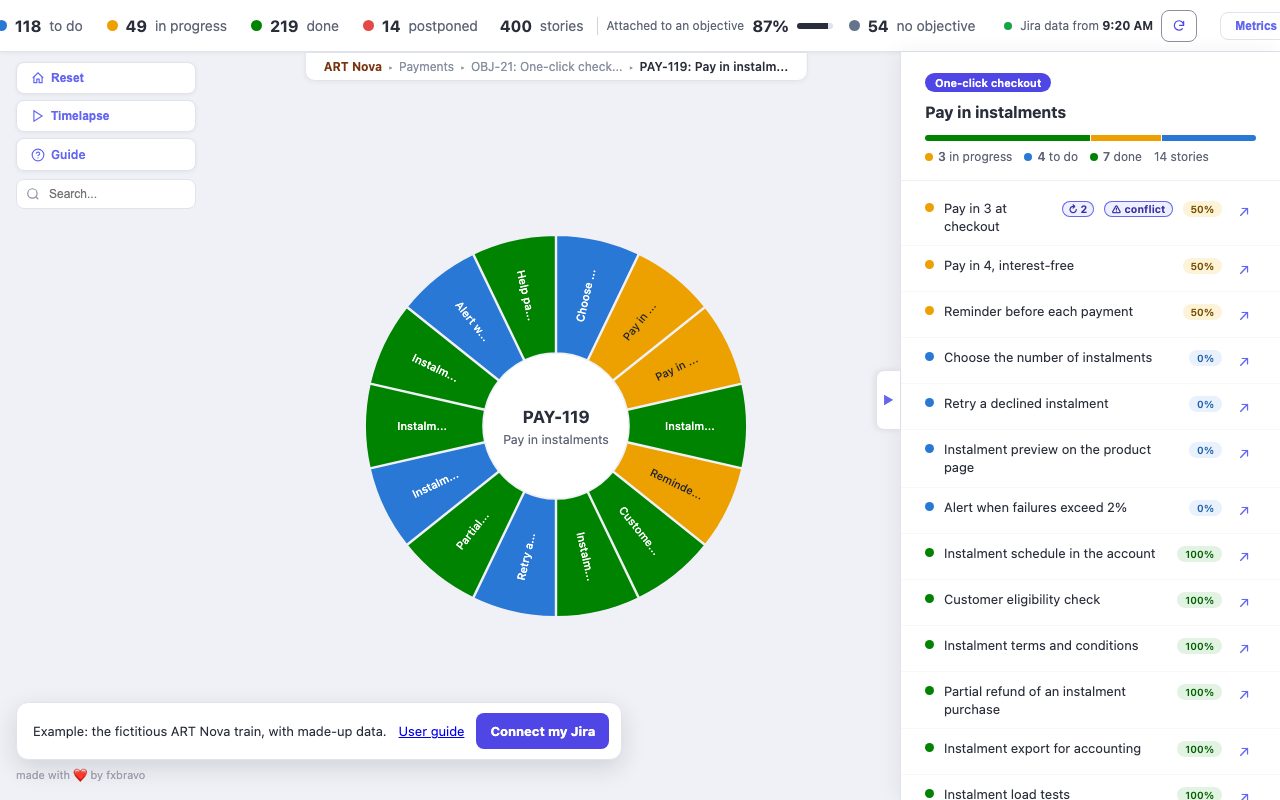
2. Read its card
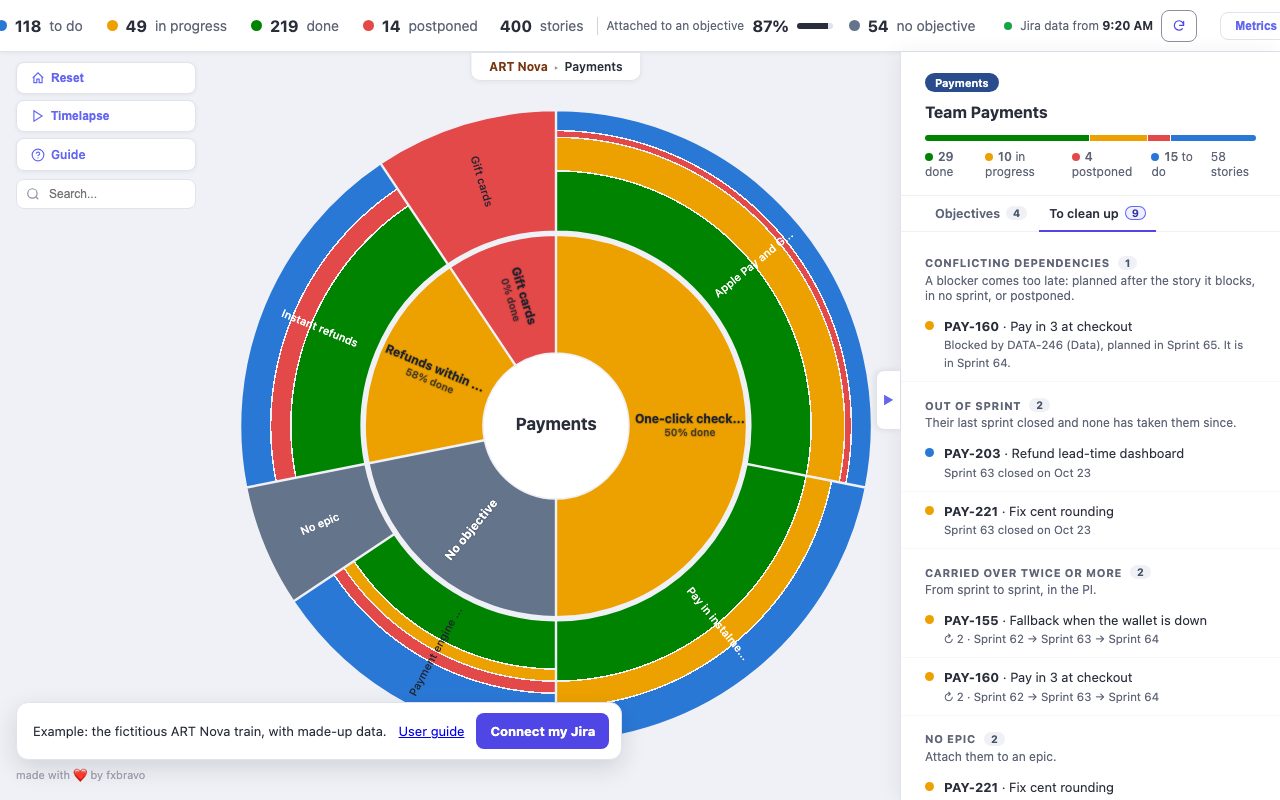
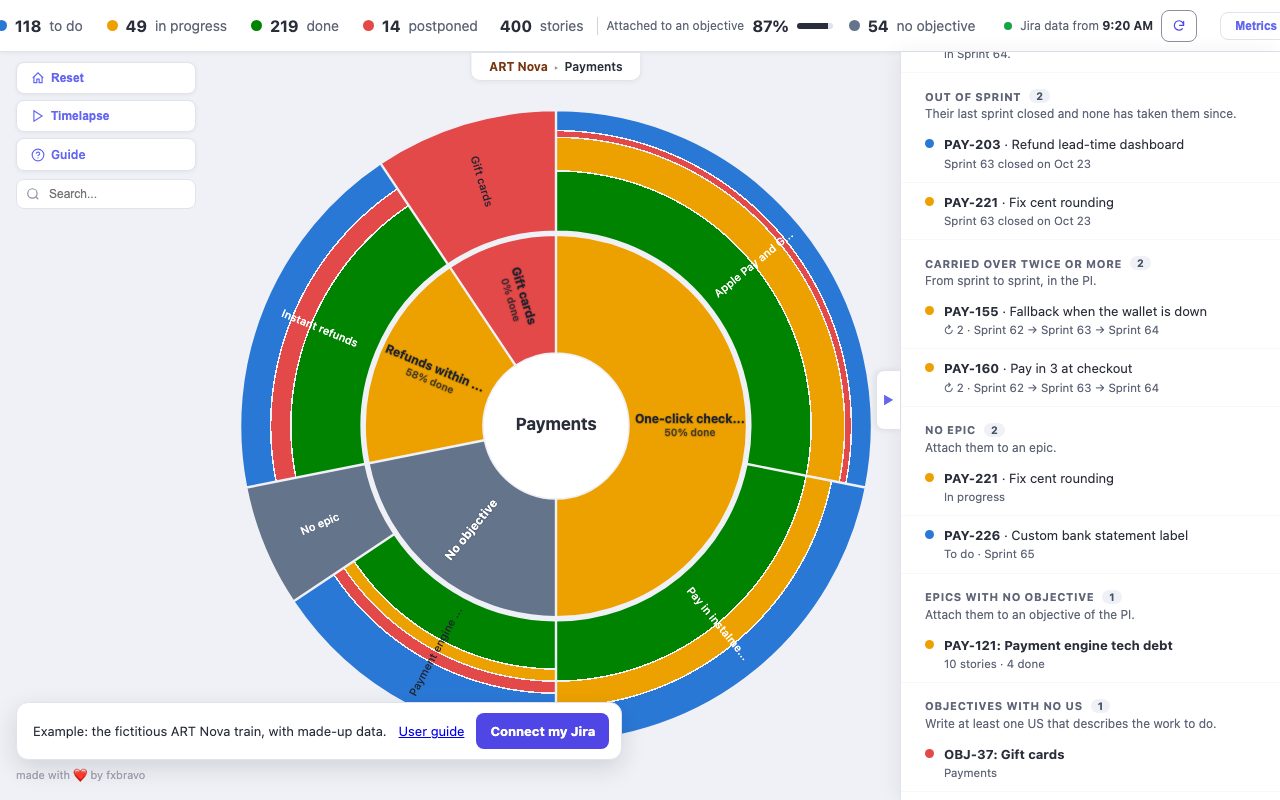
- Sprints: the story's path from sprint to sprint, and its carry-overs. Here, two: Sprint 62, then 63, then 64.
- PI timeline: its statuses over time, across the PI's sprints, then the same detail as a table. Here, to do for 16 days, then in progress for 35.
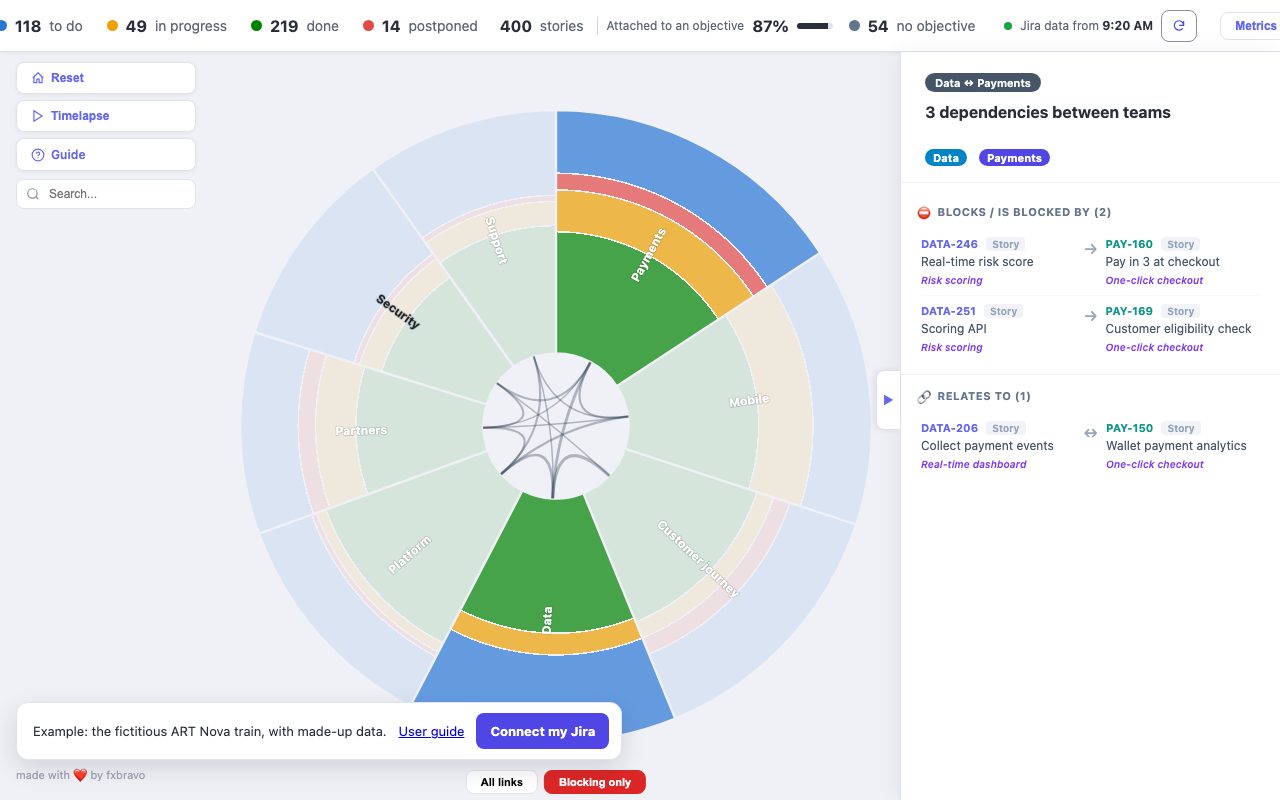
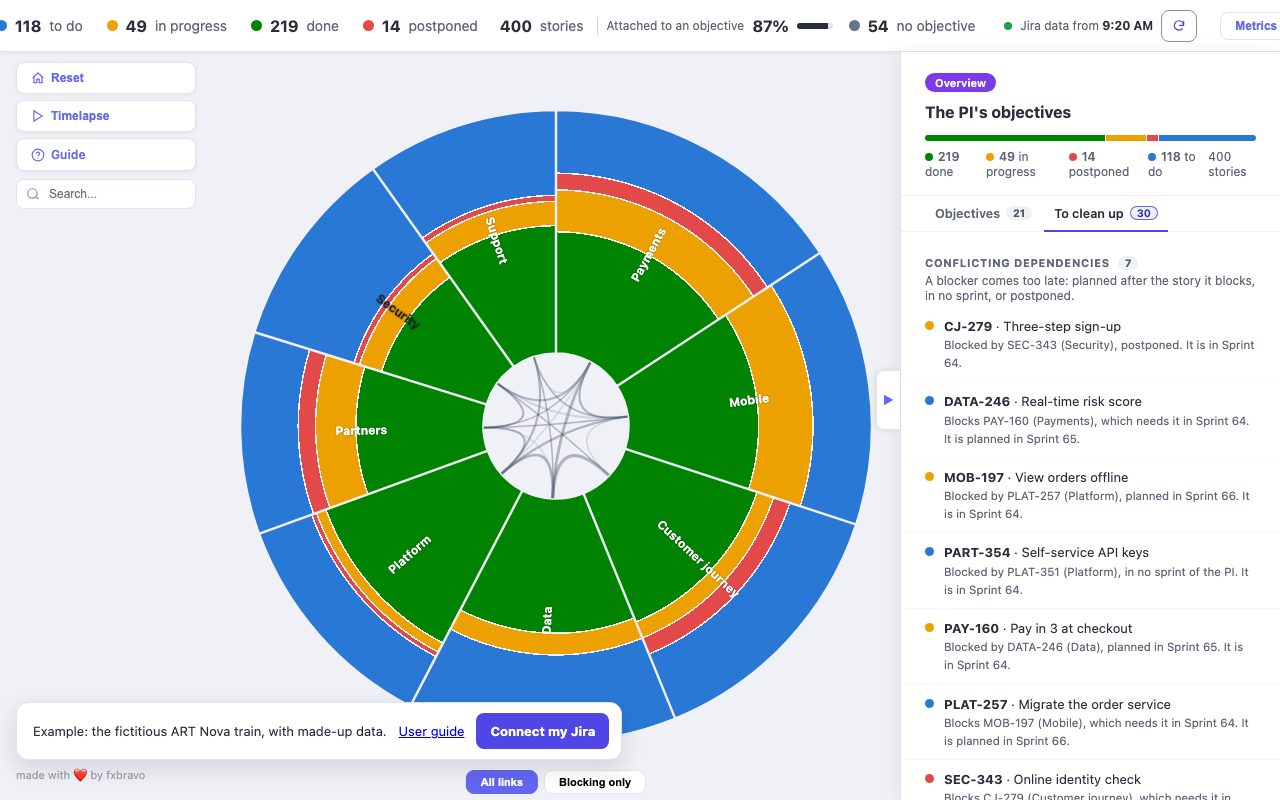
- Dependencies: what it waits for. Here, DATA-246, planned one sprint too late.
The ↗ arrow opens the story in Jira, to act on it.
See it in the example